projects / Case study
Bare-Metal CI/CD & Secure Ingress Architecture
Backend & DevOps Engineer (University MVP)
Automated Docker builds and deployment for a team-built Laravel application on a Debian server using GitHub Actions, a self-hosted runner, and Cloudflare Tunnel.
Debian · Docker · GitHub Actions · Cloudflare Tunnel · Laravel · MySQL · Bash
Read case study as Markdown ↗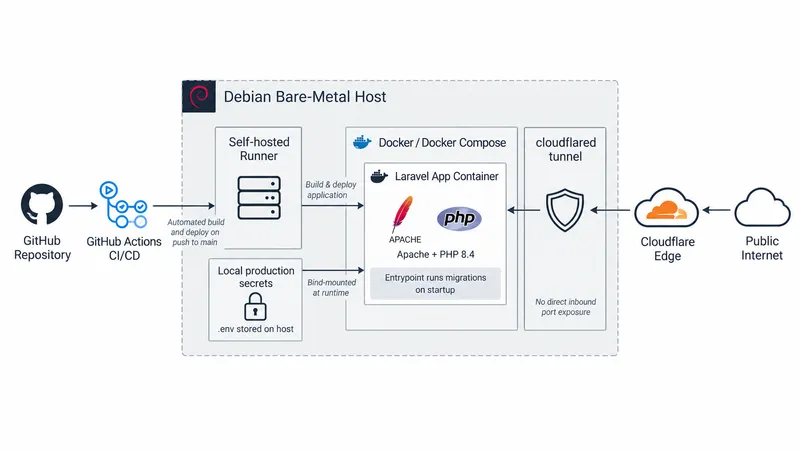
Overview
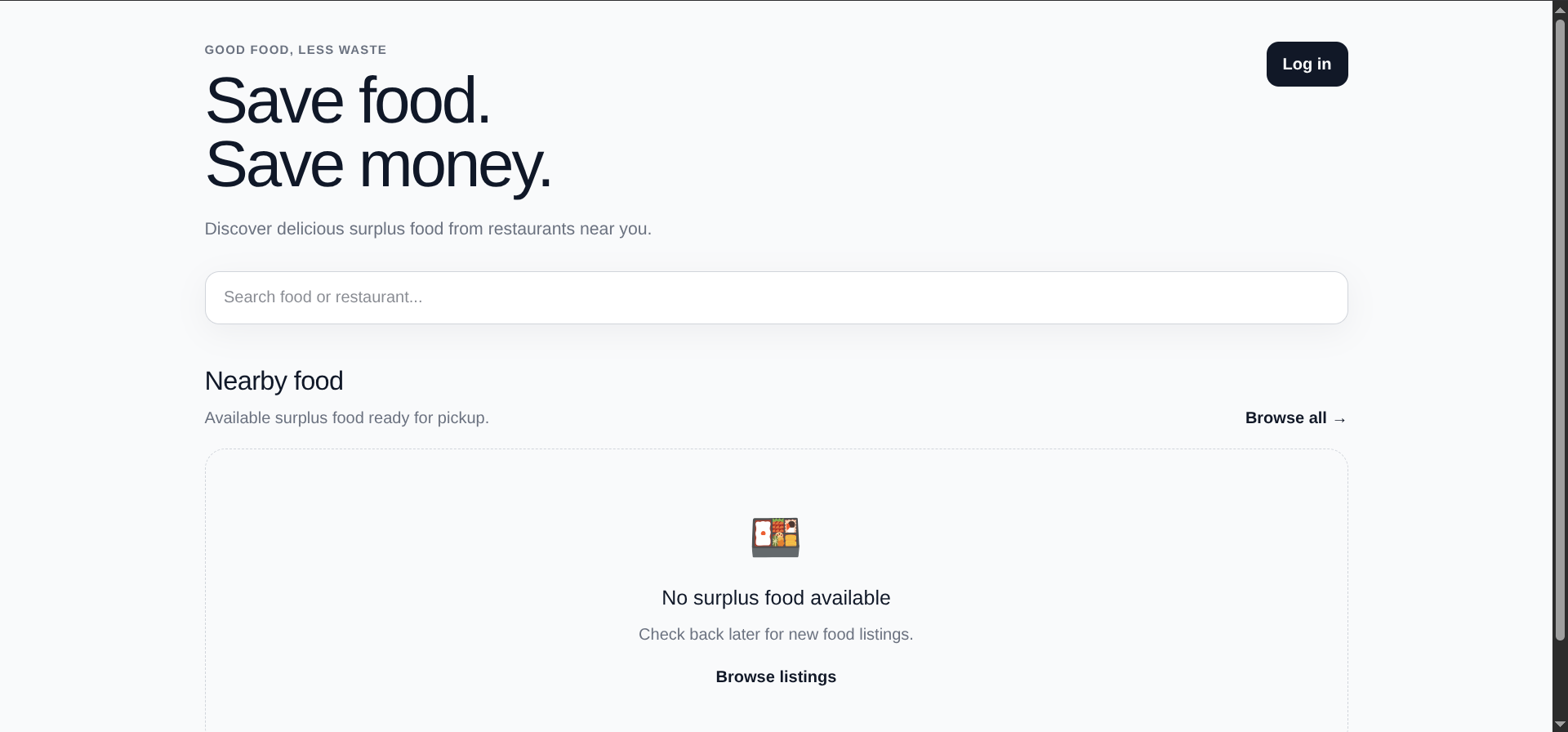
I set up an automated deployment workflow for FoodSafe, a team-built Laravel application, on a local server running Debian 13. The workflow uses a self-hosted GitHub Actions runner to build and deploy the application with Docker Compose.
A Cloudflare Tunnel connects the application to a public domain without requiring inbound port forwarding on the home router. This setup was used for our university project.
My Contribution
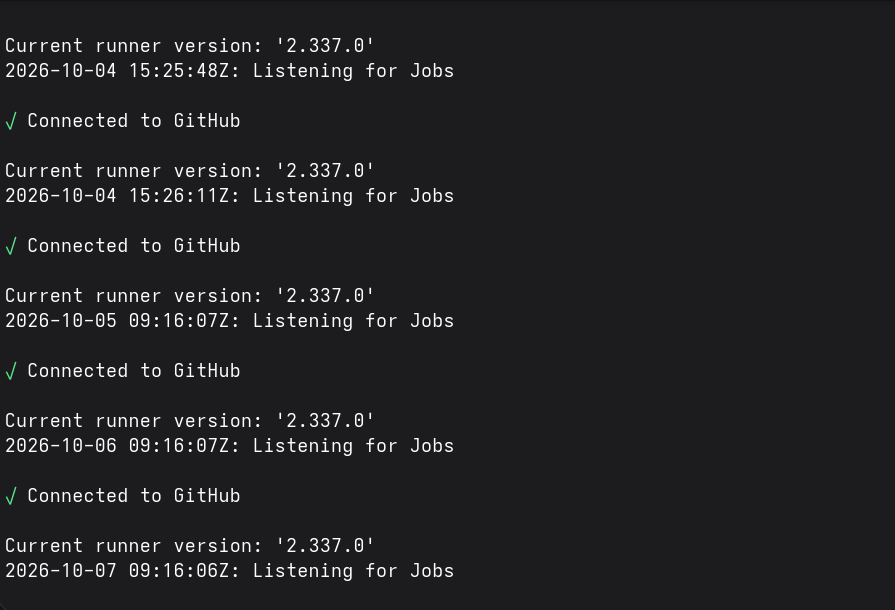
I handled the deployment configuration, including GitHub Actions, Docker files, Docker Compose, and the self-hosted runner. The workflow builds the application image and updates the containers on the Debian server.
I configured cloudflared in a Docker container to forward requests from Cloudflare to the application on port 8000. The tunnel provides an outbound connection for public access; application authentication and any additional access restrictions need to be configured separately.
I kept deployment environment variables in a configuration file on the server and mounted that file into the application container. This kept the deployment credentials outside the repository, although their protection still depends on permissions and access to the host.
I also configured an entrypoint script to run Laravel database migrations when the application container starts. This automated a setup step, but migration failures and changes that affect existing data still require review.
Architecture
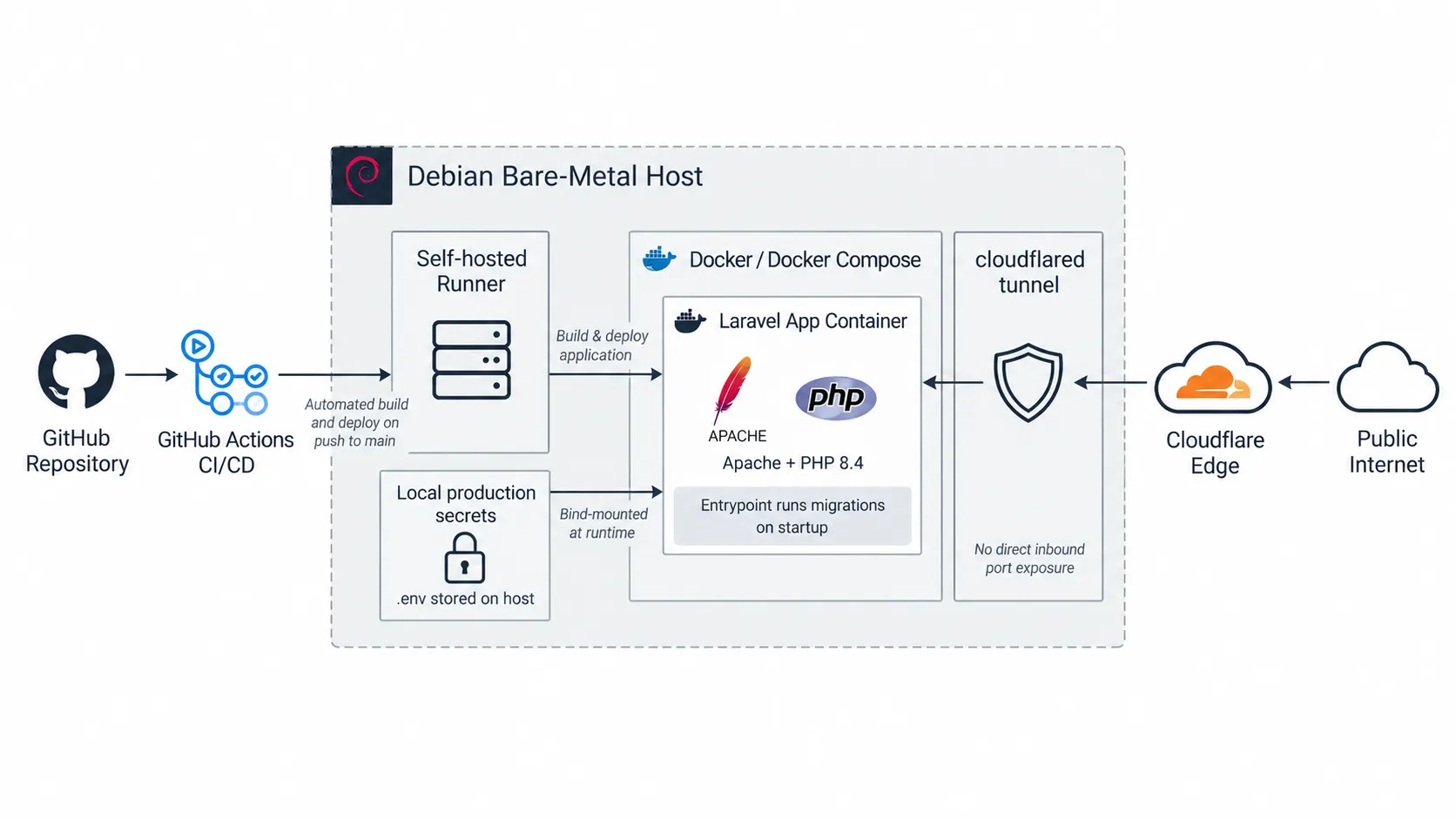
The self-hosted GitHub Actions runner receives deployment jobs from GitHub and checks out the application code on the Debian server. It runs the build and deployment commands locally, so the workflow does not require an inbound SSH connection from a GitHub-hosted runner.
The application uses a Docker image containing Apache and PHP 8.4. Docker Compose manages the application and database containers. Containerizing the runtime reduced differences between environments, although development and deployment configurations still differed.
Deployment configuration files are stored on the host and supplied to the containers at runtime. A separate cloudflared container establishes an outbound connection to Cloudflare, which forwards requests for the public domain to the application.
Troubleshooting & Resolutions
Missing Database Cache Table
A deployment step failed while clearing Laravel’s cache. The application was configured to use a database-backed cache, but the required cache table was missing. I added the missing migration and ran it so the cache operation could complete.
Missing Frontend Assets
The deployed application initially loaded without its frontend styling. The deployment image did not include a Node.js build stage, and the compiled Vite assets were missing from the repository.
For the university deployment, I changed the tracking rules to include the compiled assets. This resolved the immediate issue, but required the assets to be rebuilt and committed when the frontend changed. A future improvement would be to build them automatically in the pipeline or a separate Docker build stage.
Resetting Demonstration Data
Before project presentations, I used terminal commands on the host to reset the application database and run Laravel seeders. This refreshed the demonstration data without rebuilding or redeploying the application.
The reset deletes existing data, so it was used for the project’s demonstration environment. A deployment holding real user data would need a different process for preparing demonstrations.